Analysierte URL
https://manual.inicis.com/
KI-Ready Score
Mangelhaft
von 100
Token-Einsparung
Score-Aufschlüsselung
Ihre Seite verwendet keine <article>- oder <main>-Elemente. Diese semantischen Container helfen KI-Agenten, den Hauptinhalt zu identifizieren und Navigation, Seitenleisten und Fußzeilen zu ignorieren.
So implementieren Sie es
Fügen Sie ein <main>-Element um den Hauptinhalt Ihrer Seite hinzu und verwenden Sie <article> für eigenständige Inhaltsblöcke wie Blogbeiträge oder Produktbeschreibungen.
Ihre Website unterstützt kein Markdown for Agents. Dieser Cloudflare-Standard ermöglicht KI-Agenten, Inhalte im Markdown-Format anzufordern und reduziert den Token-Verbrauch um ~80%.
So implementieren Sie es
Implementieren Sie eines oder mehrere: (1) Auf Accept: text/markdown mit Markdown-Inhalt antworten. (2) .md-URLs bereitstellen (z.B. /seite.md). (3) <link rel="alternate" type="text/markdown">-Tags hinzufügen. (4) Link-HTTP-Header für Markdown-Erkennung hinzufügen.
Keine Sitemap gefunden. Eine Sitemap hilft KI-Agenten, alle Seiten Ihrer Website zu entdecken.
So implementieren Sie es
Erstellen Sie eine /sitemap.xml, die alle Ihre öffentlichen Seiten auflistet. Die meisten CMS-Plattformen können diese automatisch generieren.
Keine Content-Signal-Direktiven gefunden. Diese teilen KI-Agenten mit, wie sie Ihre Inhalte verwenden dürfen (Suchindexierung, KI-Eingabe, Trainingsdaten). Der empfohlene Ort ist robots.txt.
So implementieren Sie es
Fügen Sie Content-Signal zu Ihrer robots.txt hinzu: User-agent: *\nContent-Signal: search=yes, ai-input=yes, ai-train=no. Sie können es auch als HTTP-Header bei Markdown-Antworten hinzufügen.
Keine Schema.org-strukturierten Daten gefunden. JSON-LD hilft KI-Agenten, faktische, strukturierte Informationen aus Ihren Seiten zu extrahieren.
So implementieren Sie es
Fügen Sie einen <script type="application/ld+json">-Block mit Schema.org-Markup hinzu. Verwenden Sie passende Typen: Article für Blogbeiträge, Product für Produktseiten, Organization für Ihre Unternehmensseite.
Ihre Seite stützt sich stark auf <div>-Elemente. Semantische Elemente wie <section>, <nav>, <header>, <footer> und <aside> bieten eine sinnvolle Struktur für KI-Agenten.
So implementieren Sie es
Ersetzen Sie generische <div>-Container durch passende semantische Elemente. Verwenden Sie <section> für thematische Gruppen, <nav> für Navigation, <header>/<footer> für Seiten-/Abschnittskopf und -fußzeilen.
Fehlende oder unvollständige Open-Graph-Tags. OG-Tags helfen KI-Agenten (und sozialen Plattformen), Titel, Beschreibung und Bild Ihrer Seite zu verstehen.
So implementieren Sie es
Fügen Sie og:title, og:description und og:image Meta-Tags zum <head> Ihrer Seite hinzu.
Keine Meta-Beschreibung gefunden. Dieses Tag bietet eine prägnante Zusammenfassung der Seite für KI-Agenten und Suchmaschinen.
So implementieren Sie es
Fügen Sie ein <meta name="description" content="...">-Tag mit einer 150-160 Zeichen langen Beschreibung des Seiteninhalts hinzu.
Einige Bilder haben keine beschreibenden Alt-Texte. Gute Alt-Texte helfen KI-Agenten, Bildinhalte und -kontext zu verstehen.
So implementieren Sie es
Fügen Sie beschreibende alt-Attribute zu allen Bildern hinzu. Beschreiben Sie, was das Bild zeigt, nicht nur 'Bild' oder 'Foto'. Für dekorative Bilder verwenden Sie alt="" (leer).
Keine kanonische URL gefunden. Diese hilft KI-Agenten, die bevorzugte Version einer Seite zu identifizieren und doppelte Inhalte zu vermeiden.
So implementieren Sie es
Fügen Sie ein <link rel="canonical" href="...">-Tag hinzu, das auf die kanonische URL der Seite verweist.
%20!%5B%EB%A0%8C%ED%83%88%ED%8E%98%EC%9D%B4%20%EC%9D%B4%EB%AF%B8%EC%A7%80%5D(https%3A%2F%2Fmanual.inicis.com%2Fimg%2Fmain_img02.png)%20!%5B%EB%AA%A8%EB%B0%94%EC%9D%BC%20%EA%B2%B0%EC%A0%9C%EC%B0%BD%20%EC%9D%B4%EB%AF%B8%EC%A7%80%5D(https%3A%2F%2Fmanual.inicis.com%2Fimg%2Fmain_img01.png)%0A%0A%23%23%20%EC%98%A8%EB%9D%BC%EC%9D%B8%EA%B2%B0%EC%A0%9C%0A%0A%EC%9D%B8%EC%A6%9D%2F%EB%B9%84%EC%9D%B8%EC%A6%9D%EA%B2%B0%EC%A0%9C%2C%20%EB%B9%8C%EB%A7%81(%EC%A0%95%EA%B8%B0%EA%B3%BC%EA%B8%88)%2C%0A%EC%97%90%EC%8A%A4%ED%81%AC%EB%A1%9C%2C%20%EA%B1%B0%EB%9E%98%EC%B7%A8%EC%86%8C%20%EB%93%B1%EC%9D%98%20%EC%84%9C%EB%B9%84%EC%8A%A4%0A%0A%5B%EB%B0%94%EB%A1%9C%EA%B0%80%EA%B8%B0%5D(https%3A%2F%2Fmanual.inicis.com%2Fpay%2F)%0A%0A!%5B%EC%98%A8%EB%9D%BC%EC%9D%B8%EA%B2%B0%EC%A0%9C%5D(https%3A%2F%2Fmanual.inicis.com%2Fimg%2Fmain_img_pay.png)%0A%0A%23%23%20%EB%B6%80%EA%B0%80%EC%84%9C%EB%B9%84%EC%8A%A4%0A%0A%E2%80%A2%20%ED%86%B5%ED%95%A9%EC%9D%B8%EC%A6%9D%EC%84%9C%EB%B9%84%EC%8A%A4%0A%E2%80%A2%20%EC%B9%B4%EB%93%9C%EB%B3%B8%EC%9D%B8%ED%99%95%EC%9D%B8%EC%84%9C%EB%B9%84%EC%8A%A4%0A%E2%80%A2%20%EB%B9%84%EC%A6%88%EB%A9%94%EC%8B%9C%EC%A7%80%0A%E2%80%A2%20%EC%B9%B4%EB%93%9C%EC%9C%A0%ED%9A%A8%EC%84%B1%EA%B2%80%EC%A6%9D%EC%84%9C%EB%B9%84%EC%8A%A4%0A%E2%80%A2%20%EA%B3%84%EC%A2%8C%EC%9D%B8%EC%A6%9D%EC%84%9C%EB%B9%84%EC%8A%A4%0A%0A%5B%EB%B0%94%EB%A1%9C%EA%B0%80%EA%B8%B0%5D(https%3A%2F%2Fmanual.inicis.com%2Fsa%2F)%0A%0A!%5B%EB%B6%80%EA%B0%80%EC%84%9C%EB%B9%84%EC%8A%A4%5D(https%3A%2F%2Fmanual.inicis.com%2Fimg%2Fmain_img_sign.png)%0A%0A%23%23%20%EC%9D%B4%EB%8B%88%EB%A0%8C%ED%83%88%0A%0A%EC%A0%84%EC%9E%90%EA%B2%B0%EC%A0%9C%EC%8B%9C%EC%8A%A4%ED%85%9C%EC%9D%84%20%EC%97%B0%EB%8F%99%ED%95%98%EC%97%AC%0A%EC%98%A8%EB%9D%BC%EC%9D%B8%20%EA%B2%B0%EC%A0%9C%EB%A5%BC%20%ED%86%B5%ED%95%9C%20%EB%A0%8C%ED%83%88%20%EC%84%9C%EB%B9%84%EC%8A%A4%0A%0A%5B%EB%B0%94%EB%A1%9C%EA%B0%80%EA%B8%B0%5D(https%3A%2F%2Fmanual.inicis.com%2Frtpay%2F)%0A%0A!%5B%EC%9D%B4%EB%8B%88%EB%A0%8C%ED%83%88%5D(https%3A%2F%2Fmanual.inicis.com%2Fimg%2Fmain_img_rt.png)%0A%0A%23%23%20%EC%9D%BC%EB%B3%B8%EA%B2%B0%EC%A0%9C%0A%0A%EC%9D%BC%EB%B3%B8%EB%B2%95%EC%9D%B8%20%EC%84%A4%EB%A6%BD%EC%97%86%EC%9D%B4%0A%EC%86%90%EC%89%AC%EC%9A%B4%20%EC%9D%BC%EB%B3%B8%EC%A7%84%EC%B6%9C%0A%0A%5B%EB%B0%94%EB%A1%9C%EA%B0%80%EA%B8%B0%5D(https%3A%2F%2Fmanual.inicis.com%2Fjppay%2F)%0A%0A!%5B%EC%9D%BC%EB%B3%B8%EA%B2%B0%EC%A0%9C%5D(https%3A%2F%2Fmanual.inicis.com%2Fimg%2Fmain_img_cbt.png)%0A%0A%23%23%20%EB%B0%B1%EC%98%A4%ED%94%BC%EC%8A%A4%0A(%EB%B6%80%EA%B0%80%EC%84%9C%EB%B9%84%EC%8A%A4)%0A%0A%EC%8A%B9%EC%9D%B8%2F%EC%A0%95%EC%82%B0%EB%8C%80%EC%82%AC%2C%20%EA%B3%84%EC%A2%8C%EC%84%B1%EB%AA%85%EC%A1%B0%ED%9A%8C%2C%0A%EC%A7%80%EA%B8%89%20%EB%8C%80%ED%96%89%20%EC%84%9C%EB%B9%84%EC%8A%A4%0A%0A%5B%EB%B0%94%EB%A1%9C%EA%B0%80%EA%B8%B0%5D(https%3A%2F%2Fmanual.inicis.com%2Finiweb%2F)%0A%0A!%5B%EB%B0%B1%EC%98%A4%ED%94%BC%EC%8A%A4%5D(https%3A%2F%2Fmanual.inicis.com%2Fimg%2Fmain_img_bo.png)%0A)
%5D(https%3A%2F%2Fmanual.inicis.com%2F)%0A%0A%5B%23%20!%5BKG%EC%9D%B4%EB%8B%88%EC%8B%9C%EC%8A%A4%5D(https%3A%2F%2Fmanual.inicis.com%2Fimg%2Flogo_inicis_w.png)%5D(https%3A%2F%2Fmanual.inicis.com%2F)!%5B%EB%A9%94%EB%89%B4%EB%B2%84%ED%8A%BC%5D(https%3A%2F%2Fmanual.inicis.com%2Fimg%2Fic_menu_w.png)%0A%0A%23%20%EB%8B%A4%EC%96%91%ED%95%9C%20%EA%B2%B0%EC%A0%9C%EB%A5%BC%0A%EB%B9%A0%EB%A5%B4%EA%B2%8C%20%EC%97%B0%EB%8F%99%ED%95%98%EB%8A%94%0A**%EA%B2%B0%EC%A0%9CAPI**%0A%0A%EB%8D%94%20%EC%95%8C%EC%95%84%EB%B3%B4%EA%B8%B0%0A%0A!%5B%5D(https%3A%2F%2Fmanual.inicis.com%2Fimg%2Fmain_img03.png)%20!%5B%EB%A0%8C%ED%83%88%ED%8E%98%EC%9D%B4%20%EC%9D%B4%EB%AF%B8%EC%A7%80%5D(https%3A%2F%2Fmanual.inicis.com%2Fimg%2Fmain_img02.png)%20!%5B%EB%AA%A8%EB%B0%94%EC%9D%BC%20%EA%B2%B0%EC%A0%9C%EC%B0%BD%20%EC%9D%B4%EB%AF%B8%EC%A7%80%5D(https%3A%2F%2Fmanual.inicis.com%2Fimg%2Fmain_img01.png)%0A%0A%23%23%20%EC%98%A8%EB%9D%BC%EC%9D%B8%EA%B2%B0%EC%A0%9C%EC%9D%B8%EC%A6%9D%2F%EB%B9%84%EC%9D%B8%EC%A6%9D%EA%B2%B0%EC%A0%9C%2C%20%EB%B9%8C%EB%A7%81(%EC%A0%95%EA%B8%B0%EA%B3%BC%EA%B8%88)%2C%0A%EC%97%90%EC%8A%A4%ED%81%AC%EB%A1%9C%2C%20%EA%B1%B0%EB%9E%98%EC%B7%A8%EC%86%8C%20%EB%93%B1%EC%9D%98%20%EC%84%9C%EB%B9%84%EC%8A%A4%0A%0A%5B%EB%B0%94%EB%A1%9C%EA%B0%80%EA%B8%B0%5D(https%3A%2F%2Fmanual.inicis.com%2Fpay%2F)%0A%0A!%5B%EC%98%A8%EB%9D%BC%EC%9D%B8%EA%B2%B0%EC%A0%9C%5D(https%3A%2F%2Fmanual.inicis.com%2Fimg%2Fmain_img_pay.png)%0A%0A%23%23%20%EB%B6%80%EA%B0%80%EC%84%9C%EB%B9%84%EC%8A%A4%E2%80%A2%20%ED%86%B5%ED%95%A9%EC%9D%B8%EC%A6%9D%EC%84%9C%EB%B9%84%EC%8A%A4%0A%E2%80%A2%20%EC%B9%B4%EB%93%9C%EB%B3%B8%EC%9D%B8%ED%99%95%EC%9D%B8%EC%84%9C%EB%B9%84%EC%8A%A4%0A%E2%80%A2%20%EB%B9%84%EC%A6%88%EB%A9%94%EC%8B%9C%EC%A7%80%0A%E2%80%A2%20%EC%B9%B4%EB%93%9C%EC%9C%A0%ED%9A%A8%EC%84%B1%EA%B2%80%EC%A6%9D%EC%84%9C%EB%B9%84%EC%8A%A4%0A%E2%80%A2%20%EA%B3%84%EC%A2%8C%EC%9D%B8%EC%A6%9D%EC%84%9C%EB%B9%84%EC%8A%A4%0A%0A%5B%EB%B0%94%EB%A1%9C%EA%B0%80%EA%B8%B0%5D(https%3A%2F%2Fmanual.inicis.com%2Fsa%2F)%0A%0A!%5B%EB%B6%80%EA%B0%80%EC%84%9C%EB%B9%84%EC%8A%A4%5D(https%3A%2F%2Fmanual.inicis.com%2Fimg%2Fmain_img_sign.png)%0A%0A%23%23%20%EC%9D%B4%EB%8B%88%EB%A0%8C%ED%83%88%EC%A0%84%EC%9E%90%EA%B2%B0%EC%A0%9C%EC%8B%9C%EC%8A%A4%ED%85%9C%EC%9D%84%20%EC%97%B0%EB%8F%99%ED%95%98%EC%97%AC%0A%EC%98%A8%EB%9D%BC%EC%9D%B8%20%EA%B2%B0%EC%A0%9C%EB%A5%BC%20%ED%86%B5%ED%95%9C%20%EB%A0%8C%ED%83%88%20%EC%84%9C%EB%B9%84%EC%8A%A4%0A%0A%5B%EB%B0%94%EB%A1%9C%EA%B0%80%EA%B8%B0%5D(https%3A%2F%2Fmanual.inicis.com%2Frtpay%2F)%0A%0A!%5B%EC%9D%B4%EB%8B%88%EB%A0%8C%ED%83%88%5D(https%3A%2F%2Fmanual.inicis.com%2Fimg%2Fmain_img_rt.png)%0A%0A%23%23%20%EC%9D%BC%EB%B3%B8%EA%B2%B0%EC%A0%9C%EC%9D%BC%EB%B3%B8%EB%B2%95%EC%9D%B8%20%EC%84%A4%EB%A6%BD%EC%97%86%EC%9D%B4%0A%EC%86%90%EC%89%AC%EC%9A%B4%20%EC%9D%BC%EB%B3%B8%EC%A7%84%EC%B6%9C%0A%0A%5B%EB%B0%94%EB%A1%9C%EA%B0%80%EA%B8%B0%5D(https%3A%2F%2Fmanual.inicis.com%2Fjppay%2F)%0A%0A!%5B%EC%9D%BC%EB%B3%B8%EA%B2%B0%EC%A0%9C%5D(https%3A%2F%2Fmanual.inicis.com%2Fimg%2Fmain_img_cbt.png)%0A%0A%23%23%20%EB%B0%B1%EC%98%A4%ED%94%BC%EC%8A%A4%0A(%EB%B6%80%EA%B0%80%EC%84%9C%EB%B9%84%EC%8A%A4)%EC%8A%B9%EC%9D%B8%2F%EC%A0%95%EC%82%B0%EB%8C%80%EC%82%AC%2C%20%EA%B3%84%EC%A2%8C%EC%84%B1%EB%AA%85%EC%A1%B0%ED%9A%8C%2C%0A%EC%A7%80%EA%B8%89%20%EB%8C%80%ED%96%89%20%EC%84%9C%EB%B9%84%EC%8A%A4%0A%0A%5B%EB%B0%94%EB%A1%9C%EA%B0%80%EA%B8%B0%5D(https%3A%2F%2Fmanual.inicis.com%2Finiweb%2F)%0A%0A!%5B%EB%B0%B1%EC%98%A4%ED%94%BC%EC%8A%A4%5D(https%3A%2F%2Fmanual.inicis.com%2Fimg%2Fmain_img_bo.png)%0A)
## 다양한 결제를 빠르게 연동하는 **결제API** 더 알아보기  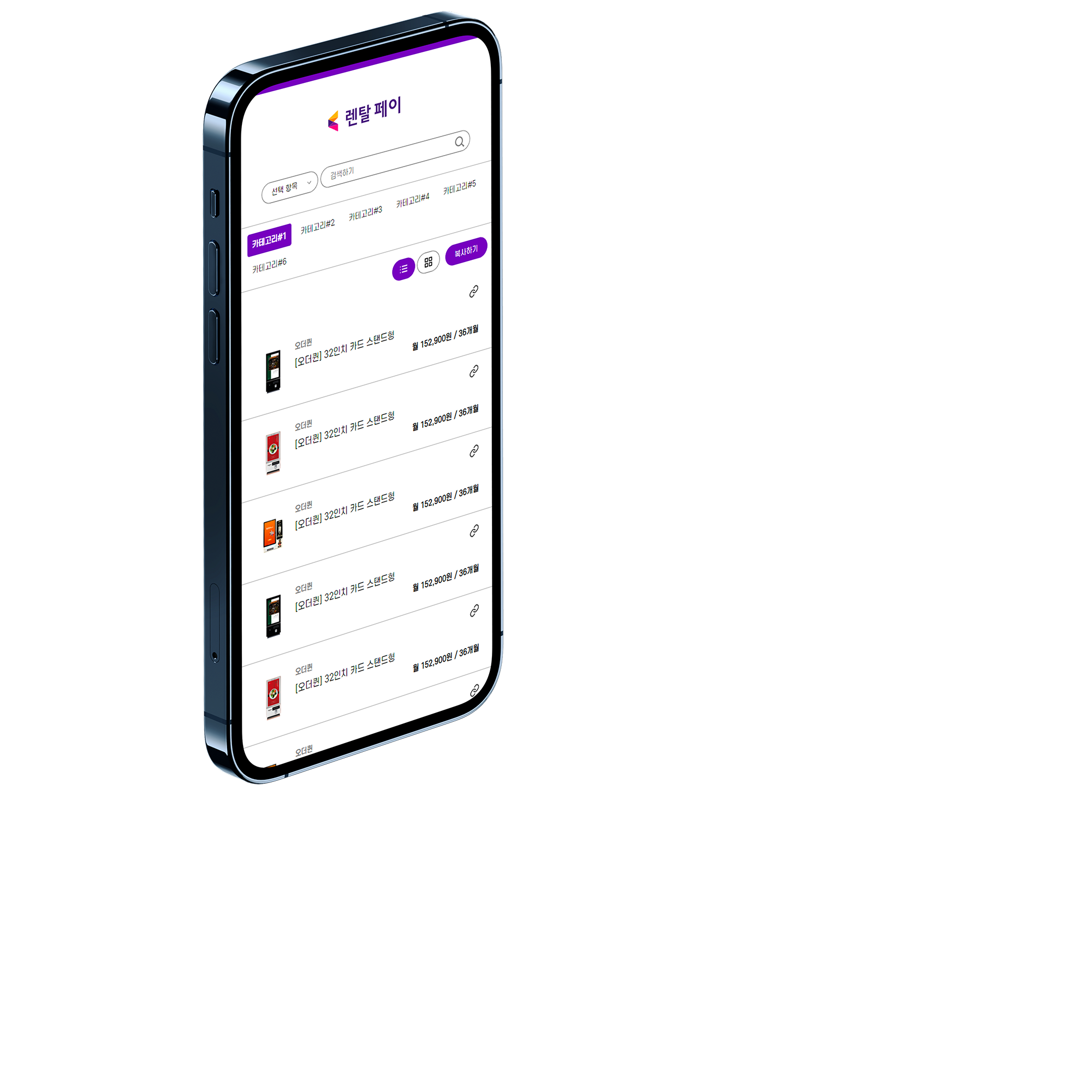 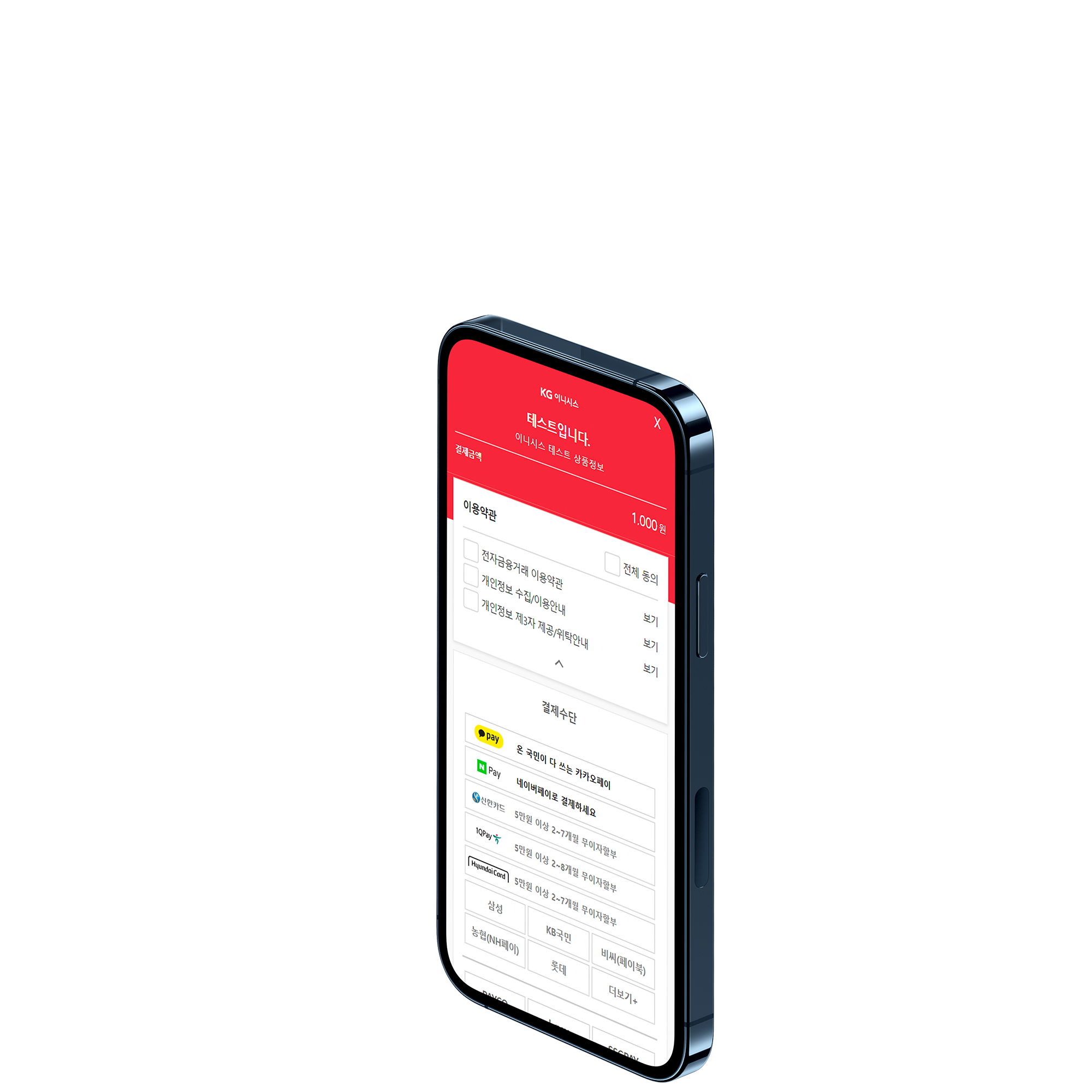 ## 온라인결제 인증/비인증결제, 빌링(정기과금), 에스크로, 거래취소 등의 서비스 [바로가기](https://manual.inicis.com/pay/) 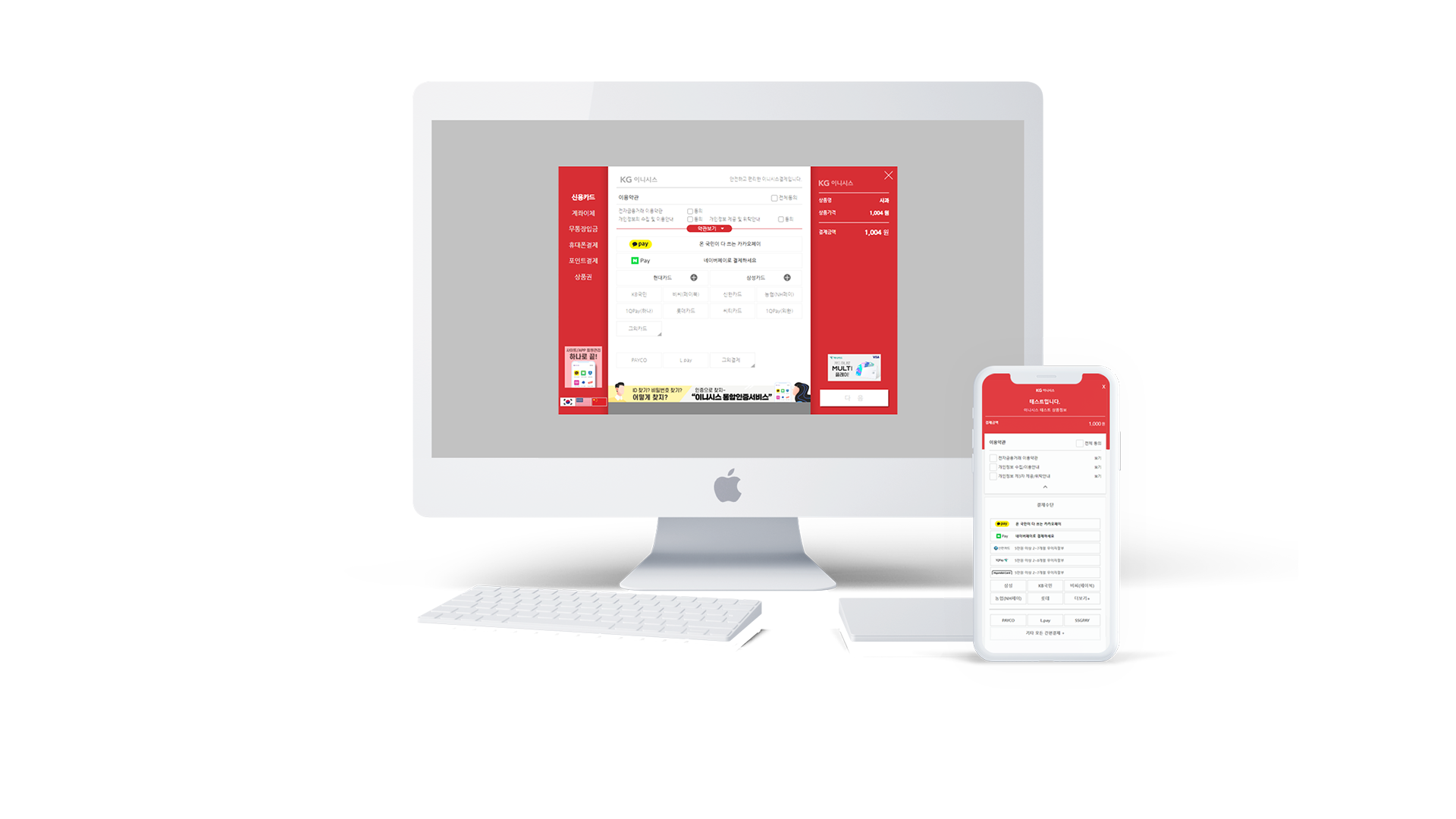 ## 부가서비스 • 통합인증서비스 • 카드본인확인서비스 • 비즈메시지 • 카드유효성검증서비스 • 계좌인증서비스 [바로가기](https://manual.inicis.com/sa/) 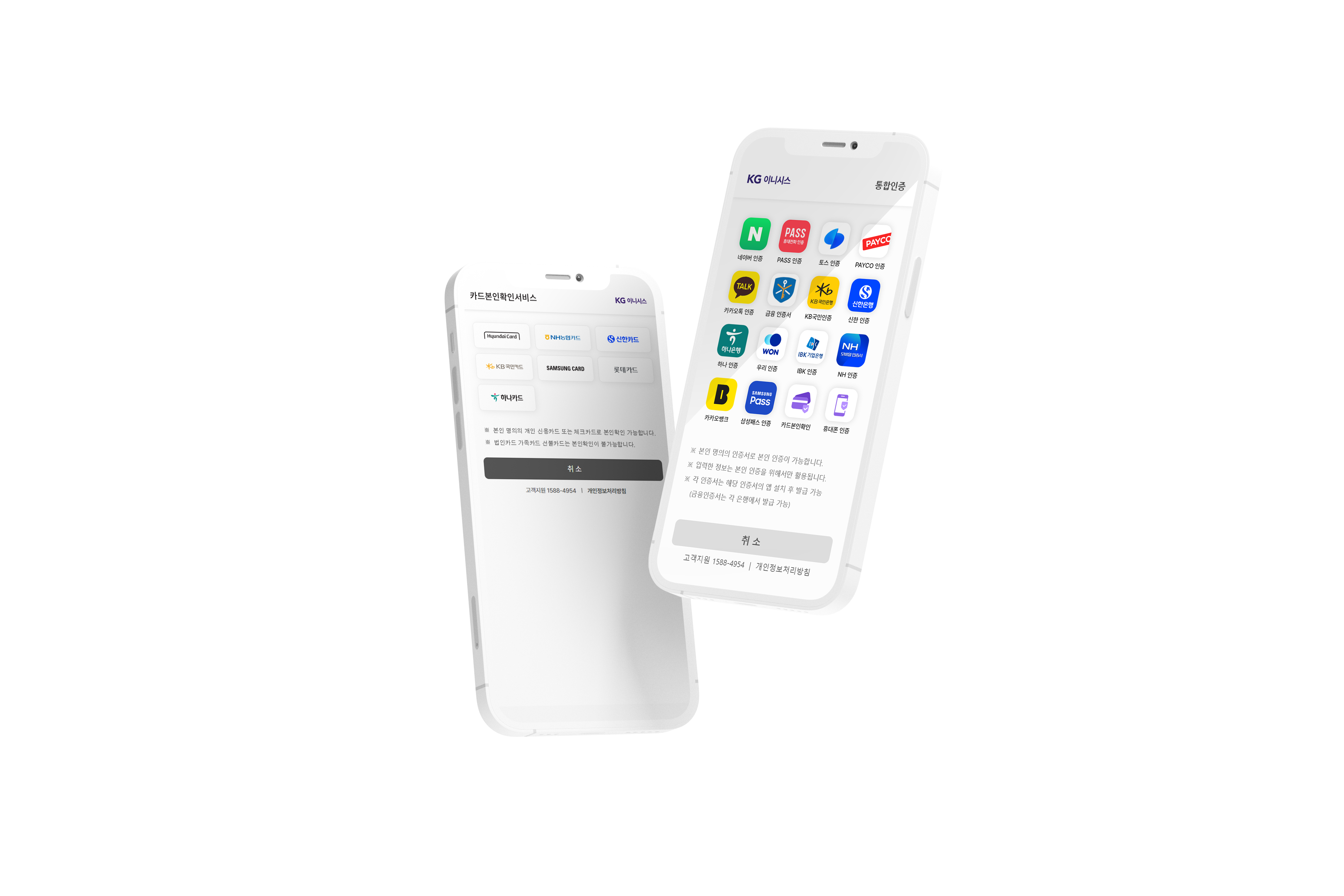 ## 이니렌탈 전자결제시스템을 연동하여 온라인 결제를 통한 렌탈 서비스 [바로가기](https://manual.inicis.com/rtpay/) 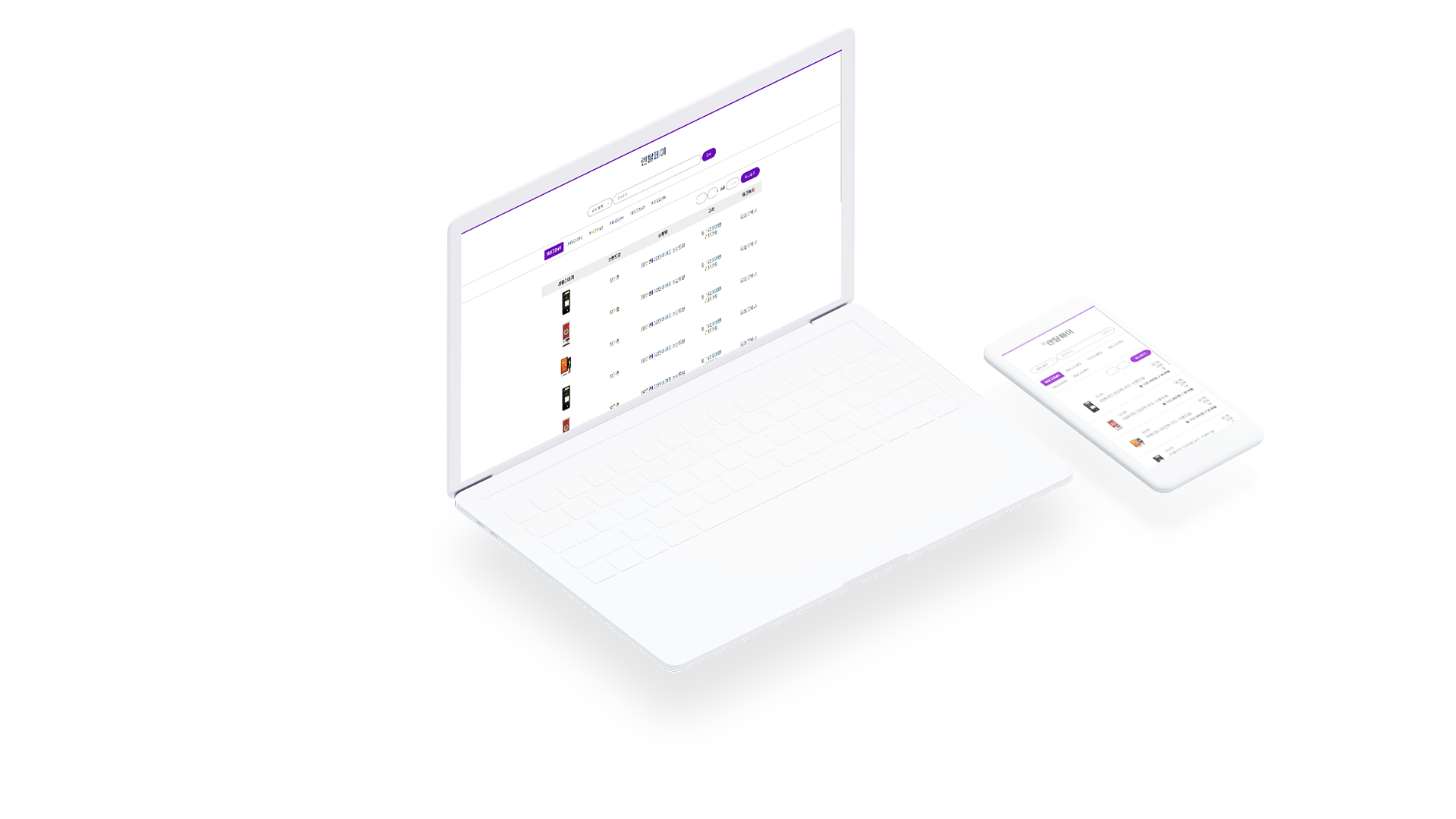 ## 일본결제 일본법인 설립없이 손쉬운 일본진출 [바로가기](https://manual.inicis.com/jppay/) 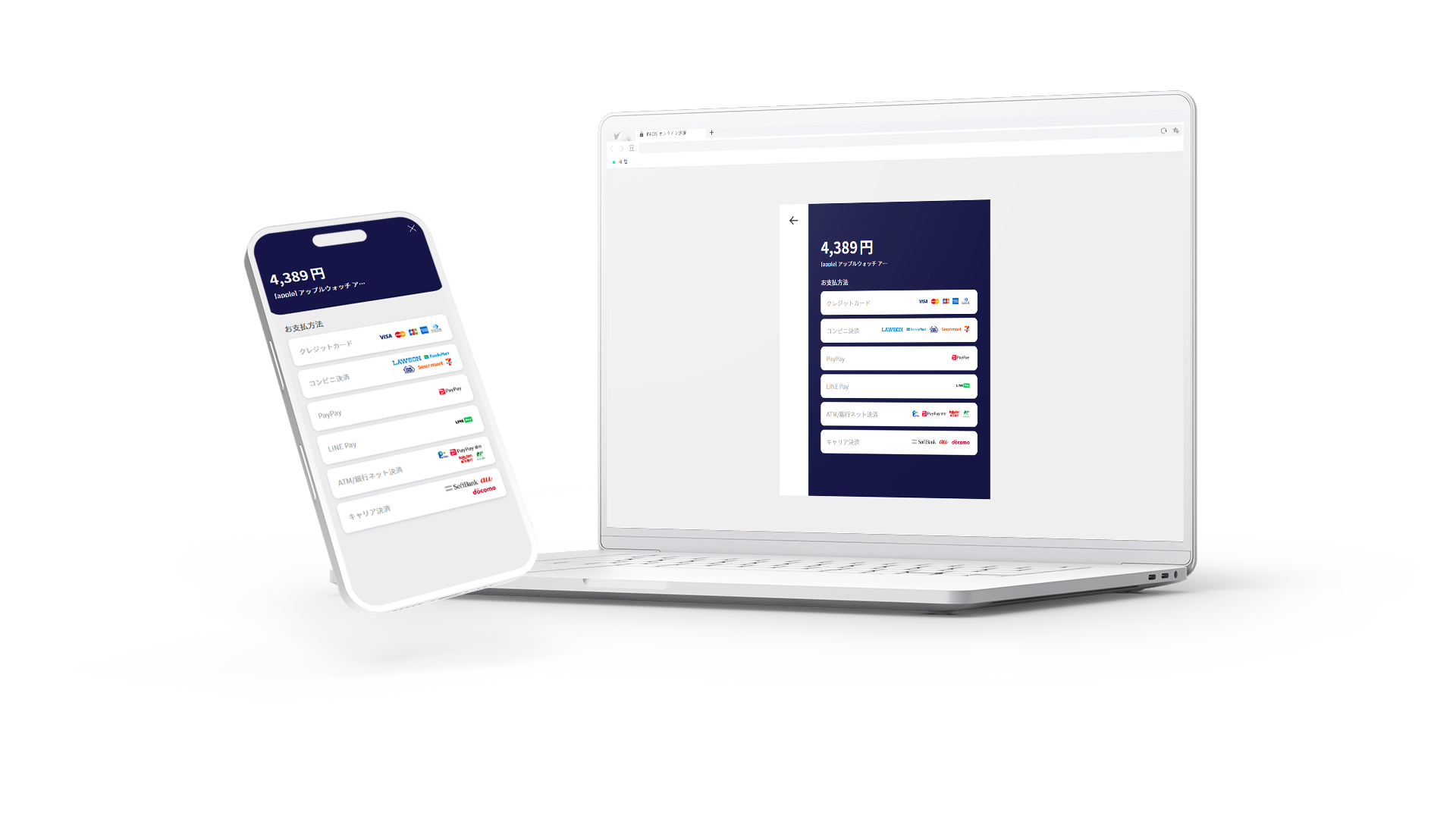 ## 백오피스 (부가서비스) 승인/정산대사, 계좌성명조회, 지급 대행 서비스 [바로가기](https://manual.inicis.com/iniweb/) 
Web manual [# ](https://manual.inicis.com/) [# ](https://manual.inicis.com/) # 다양한 결제를 빠르게 연동하는 **결제API** 더 알아보기    ## 온라인결제인증/비인증결제, 빌링(정기과금), 에스크로, 거래취소 등의 서비스 [바로가기](https://manual.inicis.com/pay/)  ## 부가서비스• 통합인증서비스 • 카드본인확인서비스 • 비즈메시지 • 카드유효성검증서비스 • 계좌인증서비스 [바로가기](https://manual.inicis.com/sa/)  ## 이니렌탈전자결제시스템을 연동하여 온라인 결제를 통한 렌탈 서비스 [바로가기](https://manual.inicis.com/rtpay/)  ## 일본결제일본법인 설립없이 손쉬운 일본진출 [바로가기](https://manual.inicis.com/jppay/)  ## 백오피스 (부가서비스)승인/정산대사, 계좌성명조회, 지급 대행 서비스 [바로가기](https://manual.inicis.com/iniweb/) 
Laden Sie diese Datei als /index.md auf Ihren Server hoch, damit KI-Agenten auf eine saubere Version Ihrer Seite zugreifen können. Sie können auch die Accept: text/markdown-Inhaltsverhandlung konfigurieren, um sie automatisch auszuliefern.
Unsere Empfehlung
# manual.inicis.com

> 더 알아보기

## Main
- [Web manual](https://manual.inicis.com/): 더 알아보기
- [온라인결제](https://manual.inicis.com/pay/)
- [부가서비스](https://manual.inicis.com/sa/)
- [이니렌탈](https://manual.inicis.com/rtpay/)
- [일본결제](https://manual.inicis.com/jppay/)
- [백오피스](https://manual.inicis.com/iniweb/)
- [공지사항](https://manual.inicis.com/assets/notice_main.html)
- [사이트맵](https://manual.inicis.com/assets/sitemap_main.html)
- [일반결제](https://manual.inicis.com/pay/stdpay_pc.html)
Vollständige llms.txt erfordert eine domainweite Analyse (kommt bald)
Laden Sie diese Datei als https://manual.inicis.com/llms.txt im Stammverzeichnis Ihrer Domain hoch. KI-Agenten wie ChatGPT, Claude und Perplexity prüfen diese Datei, um Ihre Website-Struktur zu verstehen.
Diese Website hat bereits eine llms.txt-Datei.
Gültiges Format# KG이니시스 연동매뉴얼 > KG이니시스의 결제 API 및 부가서비스 연동을 위한 통합 기술 문서입니다. ## 온라인결제 - [폼페이](https://manual.inicis.com/md/key-in-formpay-api.md): 결제창 미호출, Form 전문 방식의 비인증 결제 API — 가상계좌 채번 · 신용카드 직접 결제 · 빌링키 발급 (별도 계약 필요) - [취소/환불](https://manual.inicis.com/md/cancel-refund-api.md): INIAPI Key 기반 거래 취소 API — 일반 전체취소 · 부분취소 · 가상계좌 환불 · 휴대폰 익월환불 — V1(NVP) / V2(JSON) 지원 - [거래조회](https://manual.inicis.com/md/transaction-inquiry-api.md): TID 또는 주문번호 기반 실시간 거래상태 확인 및 부분취소 가능여부 조회 — V1(NVP) / V2(JSON) 지원 - [노티서비스](https://manual.inicis.com/md/etc-notification-api.md): KG이니시스 → 가맹점 비동기 이벤트 수신 — PC/모바일 가상계좌 입금통보 · 에스크로 상태변경 노티 (발신 IP: 203.238.37.15 / 183.109.71.153) - [현금영수증](https://manual.inicis.com/md/receipt-issue-api.md): 현금영수증 발급 API - [수동매입](https://manual.inicis.com/md/capture-api.md): 매입 지연 처리가 필요한 경우 수동 매입 요청 API ## 백오피스 - [백오피스](https://manual.inicis.com/iniweb/): 승인/정산 대사 · 계좌성명 조회 · 현금영수증 · 지급대행 서비스 API
Semantisches HTML
Missing <article> and <main> elements
3 <h1> elements (should be 1)
5 semantic elements, 41 divs (ratio: 11%)
5/15 images with meaningful alt text
Avg div depth: 3.6, max: 6
Inhaltseffizienz
85% token reduction (HTML→Markdown)
Content ratio: 12.8% (1735 content chars / 13606 HTML bytes)
2/235 elements with inline styles (0.9%)
HTML size: 13KB
KI-Auffindbarkeit
llms.txt exists and is valid
robots.txt exists
All major AI bots allowed
No sitemap found
Strukturierte Daten
No JSON-LD / Schema.org found
0/3 OG tags present
No meta description
No canonical URL
lang="ko"
Zugänglichkeit
Content available without JavaScript
Page size: 13KB
Main content starts at 11% of HTML
{
"url": "https://manual.inicis.com/",
"timestamp": 1772079108578,
"fetch": {
"mode": "simple",
"timeMs": 1104,
"htmlSizeBytes": 13606,
"supportsMarkdown": false,
"markdownAgents": {
"contentNegotiation": false,
"mdUrl": {
"found": false,
"url": null
},
"linkTag": {
"found": false,
"url": null
},
"linkHeader": {
"found": false,
"url": null
},
"responseHeaders": {
"contentSignal": null,
"xMarkdownTokens": null,
"vary": null
},
"frontmatter": {
"present": false,
"fields": [],
"level": "none"
},
"level": "none"
},
"statusCode": 200
},
"extraction": {
"title": "Web manual",
"excerpt": "더 알아보기",
"byline": null,
"siteName": null,
"lang": "ko",
"contentLength": 1735,
"metadata": {
"description": null,
"ogTitle": null,
"ogDescription": null,
"ogImage": null,
"ogType": null,
"canonical": null,
"lang": "ko",
"schemas": [],
"robotsMeta": null,
"author": null,
"generator": null,
"markdownAlternateHref": null
}
},
"markdown": "## 다양한 결제를\n빠르게 연동하는\n**결제API**\n\n더 알아보기\n\n  \n\n## 온라인결제\n\n인증/비인증결제, 빌링(정기과금),\n에스크로, 거래취소 등의 서비스\n\n[바로가기](https://manual.inicis.com/pay/)\n\n\n\n## 부가서비스\n\n• 통합인증서비스\n• 카드본인확인서비스\n• 비즈메시지\n• 카드유효성검증서비스\n• 계좌인증서비스\n\n[바로가기](https://manual.inicis.com/sa/)\n\n\n\n## 이니렌탈\n\n전자결제시스템을 연동하여\n온라인 결제를 통한 렌탈 서비스\n\n[바로가기](https://manual.inicis.com/rtpay/)\n\n\n\n## 일본결제\n\n일본법인 설립없이\n손쉬운 일본진출\n\n[바로가기](https://manual.inicis.com/jppay/)\n\n\n\n## 백오피스\n(부가서비스)\n\n승인/정산대사, 계좌성명조회,\n지급 대행 서비스\n\n[바로가기](https://manual.inicis.com/iniweb/)\n\n\n",
"fullPageMarkdown": "Web manual\n\n[# ](https://manual.inicis.com/)\n\n[# ](https://manual.inicis.com/)\n\n# 다양한 결제를\n빠르게 연동하는\n**결제API**\n\n더 알아보기\n\n  \n\n## 온라인결제인증/비인증결제, 빌링(정기과금),\n에스크로, 거래취소 등의 서비스\n\n[바로가기](https://manual.inicis.com/pay/)\n\n\n\n## 부가서비스• 통합인증서비스\n• 카드본인확인서비스\n• 비즈메시지\n• 카드유효성검증서비스\n• 계좌인증서비스\n\n[바로가기](https://manual.inicis.com/sa/)\n\n\n\n## 이니렌탈전자결제시스템을 연동하여\n온라인 결제를 통한 렌탈 서비스\n\n[바로가기](https://manual.inicis.com/rtpay/)\n\n\n\n## 일본결제일본법인 설립없이\n손쉬운 일본진출\n\n[바로가기](https://manual.inicis.com/jppay/)\n\n\n\n## 백오피스\n(부가서비스)승인/정산대사, 계좌성명조회,\n지급 대행 서비스\n\n[바로가기](https://manual.inicis.com/iniweb/)\n\n\n",
"markdownStats": {
"images": 8,
"links": 5,
"tables": 0,
"codeBlocks": 0,
"headings": 6
},
"tokens": {
"htmlTokens": 3593,
"markdownTokens": 526,
"reduction": 3067,
"reductionPercent": 85
},
"score": {
"score": 59,
"grade": "D",
"dimensions": {
"semanticHtml": {
"score": 52,
"weight": 20,
"grade": "D",
"checks": {
"uses_article_or_main": {
"score": 0,
"weight": 20,
"details": "Missing <article> and <main> elements"
},
"proper_heading_hierarchy": {
"score": 80,
"weight": 25,
"details": "3 <h1> elements (should be 1)"
},
"semantic_elements": {
"score": 36,
"weight": 20,
"details": "5 semantic elements, 41 divs (ratio: 11%)"
},
"meaningful_alt_texts": {
"score": 33,
"weight": 15,
"details": "5/15 images with meaningful alt text"
},
"low_div_nesting": {
"score": 100,
"weight": 20,
"details": "Avg div depth: 3.6, max: 6"
}
}
},
"contentEfficiency": {
"score": 85,
"weight": 25,
"grade": "B",
"checks": {
"token_reduction_ratio": {
"score": 100,
"weight": 40,
"details": "85% token reduction (HTML→Markdown)"
},
"content_to_noise_ratio": {
"score": 50,
"weight": 30,
"details": "Content ratio: 12.8% (1735 content chars / 13606 HTML bytes)"
},
"minimal_inline_styles": {
"score": 100,
"weight": 15,
"details": "2/235 elements with inline styles (0.9%)"
},
"reasonable_page_weight": {
"score": 100,
"weight": 15,
"details": "HTML size: 13KB"
}
}
},
"aiDiscoverability": {
"score": 45,
"weight": 25,
"grade": "D",
"checks": {
"has_llms_txt": {
"score": 100,
"weight": 20,
"details": "llms.txt exists and is valid"
},
"has_robots_txt": {
"score": 100,
"weight": 10,
"details": "robots.txt exists"
},
"robots_allows_ai_bots": {
"score": 100,
"weight": 15,
"details": "All major AI bots allowed"
},
"has_sitemap": {
"score": 0,
"weight": 10,
"details": "No sitemap found"
},
"supports_markdown_negotiation": {
"score": 0,
"weight": 25,
"details": "No Markdown for Agents support detected"
},
"has_content_signals": {
"score": 0,
"weight": 20,
"details": "No Content-Signal found (robots.txt or HTTP headers)"
}
}
},
"structuredData": {
"score": 10,
"weight": 15,
"grade": "F",
"checks": {
"has_schema_org": {
"score": 0,
"weight": 30,
"details": "No JSON-LD / Schema.org found"
},
"has_open_graph": {
"score": 0,
"weight": 25,
"details": "0/3 OG tags present"
},
"has_meta_description": {
"score": 0,
"weight": 20,
"details": "No meta description"
},
"has_canonical_url": {
"score": 0,
"weight": 15,
"details": "No canonical URL"
},
"has_lang_attribute": {
"score": 100,
"weight": 10,
"details": "lang=\"ko\""
}
}
},
"accessibility": {
"score": 100,
"weight": 15,
"grade": "A",
"checks": {
"content_without_js": {
"score": 100,
"weight": 40,
"details": "Content available without JavaScript"
},
"reasonable_page_size": {
"score": 100,
"weight": 30,
"details": "Page size: 13KB"
},
"fast_content_position": {
"score": 100,
"weight": 30,
"details": "Main content starts at 11% of HTML"
}
}
}
}
},
"recommendations": [
{
"id": "add_article_main",
"priority": "critical",
"category": "semanticHtml",
"titleKey": "rec.add_article_main.title",
"descriptionKey": "rec.add_article_main.description",
"howToKey": "rec.add_article_main.howto",
"effort": "quick-win",
"estimatedImpact": 8,
"checkScore": 0,
"checkDetails": "Missing <article> and <main> elements"
},
{
"id": "add_markdown_negotiation",
"priority": "critical",
"category": "aiDiscoverability",
"titleKey": "rec.add_markdown_negotiation.title",
"descriptionKey": "rec.add_markdown_negotiation.description",
"howToKey": "rec.add_markdown_negotiation.howto",
"effort": "significant",
"estimatedImpact": 6,
"checkScore": 0,
"checkDetails": "No Markdown for Agents support detected"
},
{
"id": "add_sitemap",
"priority": "critical",
"category": "aiDiscoverability",
"titleKey": "rec.add_sitemap.title",
"descriptionKey": "rec.add_sitemap.description",
"howToKey": "rec.add_sitemap.howto",
"effort": "quick-win",
"estimatedImpact": 5,
"checkScore": 0,
"checkDetails": "No sitemap found"
},
{
"id": "add_content_signals",
"priority": "critical",
"category": "aiDiscoverability",
"titleKey": "rec.add_content_signals.title",
"descriptionKey": "rec.add_content_signals.description",
"howToKey": "rec.add_content_signals.howto",
"effort": "quick-win",
"estimatedImpact": 5,
"checkScore": 0,
"checkDetails": "No Content-Signal found (robots.txt or HTTP headers)"
},
{
"id": "add_schema_org",
"priority": "high",
"category": "structuredData",
"titleKey": "rec.add_schema_org.title",
"descriptionKey": "rec.add_schema_org.description",
"howToKey": "rec.add_schema_org.howto",
"effort": "moderate",
"estimatedImpact": 6,
"checkScore": 0,
"checkDetails": "No JSON-LD / Schema.org found"
},
{
"id": "add_semantic_elements",
"priority": "high",
"category": "semanticHtml",
"titleKey": "rec.add_semantic_elements.title",
"descriptionKey": "rec.add_semantic_elements.description",
"howToKey": "rec.add_semantic_elements.howto",
"effort": "moderate",
"estimatedImpact": 5,
"checkScore": 36,
"checkDetails": "5 semantic elements, 41 divs (ratio: 11%)"
},
{
"id": "add_open_graph",
"priority": "high",
"category": "structuredData",
"titleKey": "rec.add_open_graph.title",
"descriptionKey": "rec.add_open_graph.description",
"howToKey": "rec.add_open_graph.howto",
"effort": "quick-win",
"estimatedImpact": 4,
"checkScore": 0,
"checkDetails": "0/3 OG tags present"
},
{
"id": "add_meta_description",
"priority": "high",
"category": "structuredData",
"titleKey": "rec.add_meta_description.title",
"descriptionKey": "rec.add_meta_description.description",
"howToKey": "rec.add_meta_description.howto",
"effort": "quick-win",
"estimatedImpact": 4,
"checkScore": 0,
"checkDetails": "No meta description"
},
{
"id": "improve_alt_texts",
"priority": "high",
"category": "semanticHtml",
"titleKey": "rec.improve_alt_texts.title",
"descriptionKey": "rec.improve_alt_texts.description",
"howToKey": "rec.improve_alt_texts.howto",
"effort": "moderate",
"estimatedImpact": 4,
"checkScore": 33,
"checkDetails": "5/15 images with meaningful alt text"
},
{
"id": "add_canonical_url",
"priority": "high",
"category": "structuredData",
"titleKey": "rec.add_canonical_url.title",
"descriptionKey": "rec.add_canonical_url.description",
"howToKey": "rec.add_canonical_url.howto",
"effort": "quick-win",
"estimatedImpact": 3,
"checkScore": 0,
"checkDetails": "No canonical URL"
}
],
"llmsTxtPreview": "# manual.inicis.com\n\n> 더 알아보기\n\n## Main\n- [Web manual](https://manual.inicis.com/): 더 알아보기\n- [온라인결제](https://manual.inicis.com/pay/)\n- [부가서비스](https://manual.inicis.com/sa/)\n- [이니렌탈](https://manual.inicis.com/rtpay/)\n- [일본결제](https://manual.inicis.com/jppay/)\n- [백오피스](https://manual.inicis.com/iniweb/)\n- [공지사항](https://manual.inicis.com/assets/notice_main.html)\n- [사이트맵](https://manual.inicis.com/assets/sitemap_main.html)\n- [일반결제](https://manual.inicis.com/pay/stdpay_pc.html)\n\n",
"llmsTxtExisting": "# KG이니시스 연동매뉴얼\n> KG이니시스의 결제 API 및 부가서비스 연동을 위한 통합 기술 문서입니다.\n\n## 온라인결제\n- [폼페이](https://manual.inicis.com/md/key-in-formpay-api.md): 결제창 미호출, Form 전문 방식의 비인증 결제 API — 가상계좌 채번 · 신용카드 직접 결제 · 빌링키 발급 (별도 계약 필요)\n- [취소/환불](https://manual.inicis.com/md/cancel-refund-api.md): INIAPI Key 기반 거래 취소 API — 일반 전체취소 · 부분취소 · 가상계좌 환불 · 휴대폰 익월환불 — V1(NVP) / V2(JSON) 지원\n- [거래조회](https://manual.inicis.com/md/transaction-inquiry-api.md): TID 또는 주문번호 기반 실시간 거래상태 확인 및 부분취소 가능여부 조회 — V1(NVP) / V2(JSON) 지원\n- [노티서비스](https://manual.inicis.com/md/etc-notification-api.md): KG이니시스 → 가맹점 비동기 이벤트 수신 — PC/모바일 가상계좌 입금통보 · 에스크로 상태변경 노티 (발신 IP: 203.238.37.15 / 183.109.71.153)\n- [현금영수증](https://manual.inicis.com/md/receipt-issue-api.md): 현금영수증 발급 API\n- [수동매입](https://manual.inicis.com/md/capture-api.md): 매입 지연 처리가 필요한 경우 수동 매입 요청 API\n\n## 백오피스\n- [백오피스](https://manual.inicis.com/iniweb/): 승인/정산 대사 · 계좌성명 조회 · 현금영수증 · 지급대행 서비스 API",
"snippets": [
{
"id": "add_open_graph",
"title": "Add missing Open Graph tags",
"description": "These tags control how your page looks when shared on social media and some AI platforms.",
"language": "html",
"code": "<meta property=\"og:title\" content=\"Web manual\">\n<meta property=\"og:description\" content=\"Page description.\">\n<meta property=\"og:image\" content=\"https://yoursite.com/og-image.jpg\">\n<meta property=\"og:url\" content=\"https://manual.inicis.com/\">\n<meta property=\"og:type\" content=\"website\">",
"filename": "<head>"
},
{
"id": "add_meta_description",
"title": "Add meta description",
"description": "A good meta description (50-160 characters) helps AI agents understand your page quickly.",
"language": "html",
"code": "<meta name=\"description\" content=\"더 알아보기\">",
"filename": "<head>"
},
{
"id": "add_canonical_url",
"title": "Add canonical URL",
"description": "The canonical URL tells AI agents which version of the page is the \"official\" one, avoiding duplicate content issues.",
"language": "html",
"code": "<link rel=\"canonical\" href=\"https://manual.inicis.com/\">",
"filename": "<head>"
},
{
"id": "add_schema_org",
"title": "Add Schema.org JSON-LD",
"description": "Structured data helps AI agents understand the type, author, and purpose of your content.",
"language": "html",
"code": "<script type=\"application/ld+json\">\n{\n \"@context\": \"https://schema.org\",\n \"@type\": \"WebPage\",\n \"name\": \"Web manual\",\n \"description\": \"Page description.\",\n \"url\": \"https://manual.inicis.com/\",\n \"inLanguage\": \"ko\"\n}\n</script>",
"filename": "<head>"
},
{
"id": "add_sitemap",
"title": "Create /sitemap.xml",
"description": "A sitemap helps AI agents discover all your pages. Most CMS platforms generate one automatically.",
"language": "xml",
"code": "<?xml version=\"1.0\" encoding=\"UTF-8\"?>\n<urlset xmlns=\"http://www.sitemaps.org/schemas/sitemap/0.9\">\n <url>\n <loc>https://manual.inicis.com/</loc>\n <lastmod>2026-02-26</lastmod>\n </url>\n</urlset>",
"filename": "/sitemap.xml"
},
{
"id": "add_article_main",
"title": "Wrap content in <main> and <article>",
"description": "Semantic HTML landmarks help AI agents identify the main content of your page.",
"language": "html",
"code": "<main>\n <article>\n <h1>Your Page Title</h1>\n <p>Your content here...</p>\n </article>\n</main>",
"filename": "<body>"
},
{
"id": "add_content_signals",
"title": "Add Content-Signal directives",
"description": "Content-Signal tells AI agents how they may use your content. The recommended location is robots.txt, but you can also add it as an HTTP header.",
"language": "txt",
"code": "# robots.txt (recommended, canonical location):\nUser-agent: *\nContent-Signal: search=yes, ai-input=yes, ai-train=no\n\n# Nginx — add to server block (optional, for HTTP header):\n# add_header Content-Signal \"search=yes, ai-input=yes, ai-train=no\" always;\n\n# Apache — add to .htaccess (optional, for HTTP header):\n# Header set Content-Signal \"search=yes, ai-input=yes, ai-train=no\"",
"filename": "/robots.txt"
},
{
"id": "add_markdown_negotiation",
"title": "Support Markdown for Agents",
"description": "Implement one or more of the 4 Markdown for Agents mechanisms to let AI agents request content in markdown format.",
"language": "html",
"code": "<!-- 1. Content negotiation: respond to Accept: text/markdown -->\n<!-- In your server/framework, check the Accept header and return markdown -->\n<!-- with Content-Type: text/markdown -->\n\n<!-- 2. Serve .md URLs (e.g., /about.md alongside /about) -->\n<!-- Generate static .md files or handle .md routes in your app -->\n\n<!-- 3. Add <link> tag in your HTML <head>: -->\n<link rel=\"alternate\" type=\"text/markdown\" href=\"/page.md\">\n\n<!-- 4. Add Link HTTP header on HTML responses: -->\n<!-- Link: </page.md>; rel=\"alternate\"; type=\"text/markdown\" -->\n\n<!-- Best practice: include Vary: Accept and X-Markdown-Tokens headers -->\n<!-- on markdown responses -->",
"filename": "<head> + server config"
}
]
}Nutzen Sie unsere API, um dies programmatisch abzurufen (kommt bald)
Dieses JSON ist für den internen Gebrauch bestimmt — im Gegensatz zu den Markdown- und llms.txt-Dateien soll es nicht auf Ihre Website hochgeladen werden. Speichern Sie es als Ausgangswert, um Ihren Score im Zeitverlauf zu verfolgen, teilen Sie es mit Ihrem Entwicklerteam oder integrieren Sie es in Ihre CI/CD-Pipeline.
Badge einbetten
Fügen Sie dieses Badge zu Ihrer Website hinzu. Es aktualisiert sich automatisch, wenn sich Ihr KI-Bereitschafts-Score ändert.

<script src="https://agentready.md/badge.js" data-id="3679d1a6-6e07-49f9-9d3b-f9bdf2d1c109" data-domain="manual.inicis.com"></script>[](https://agentready.md/de/r/3679d1a6-6e07-49f9-9d3b-f9bdf2d1c109)Demnächst: Vollständige Domain-Analyse
Crawlen Sie Ihre gesamte Domain, generieren Sie llms.txt und überwachen Sie Ihren KI-Bereitschaftswert im Zeitverlauf. Tragen Sie sich in die Warteliste ein.